Bring the story
Use a blog post, a personal moment, a joke, a scene, or a half-formed idea you want to see as a comic.
 Open in Safari to download ComicForge from the App Store.
Paste an article, write a memory, or start from a tiny idea. ComicForge helps turn it into comic pages that feel ready to post, save, or send.







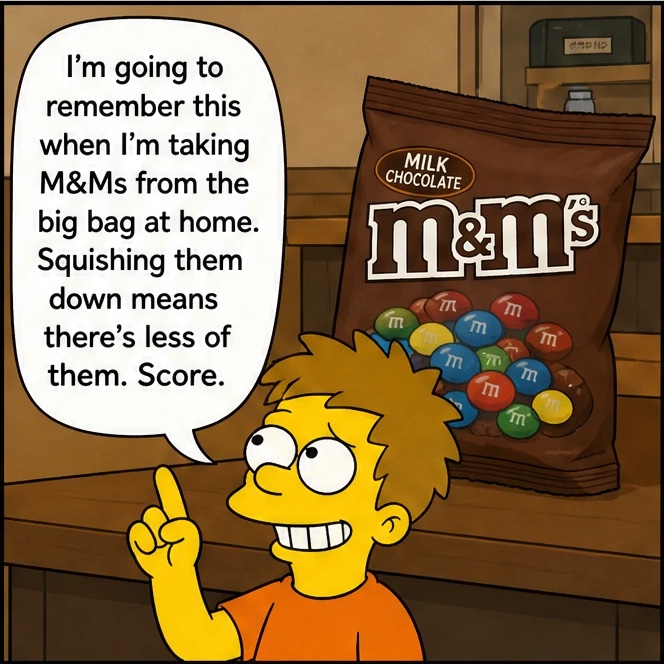

ComicForge keeps the choices simple: what is the story, how should it look, and how much room does it need?
Use a blog post, a personal moment, a joke, a scene, or a half-formed idea you want to see as a comic.
Make it playful, dramatic, cozy, cinematic, sketchy, colorful, or bold with a style that matches the story.
Keep it quick, give it a classic short-comic rhythm, or let the moment breathe with a longer version.
Save finished pages to your camera roll or share them straight to TikTok, friends, readers, followers, or collaborators.
Start a new comic, choose a look, browse your saved work, and open finished pages whenever you want.

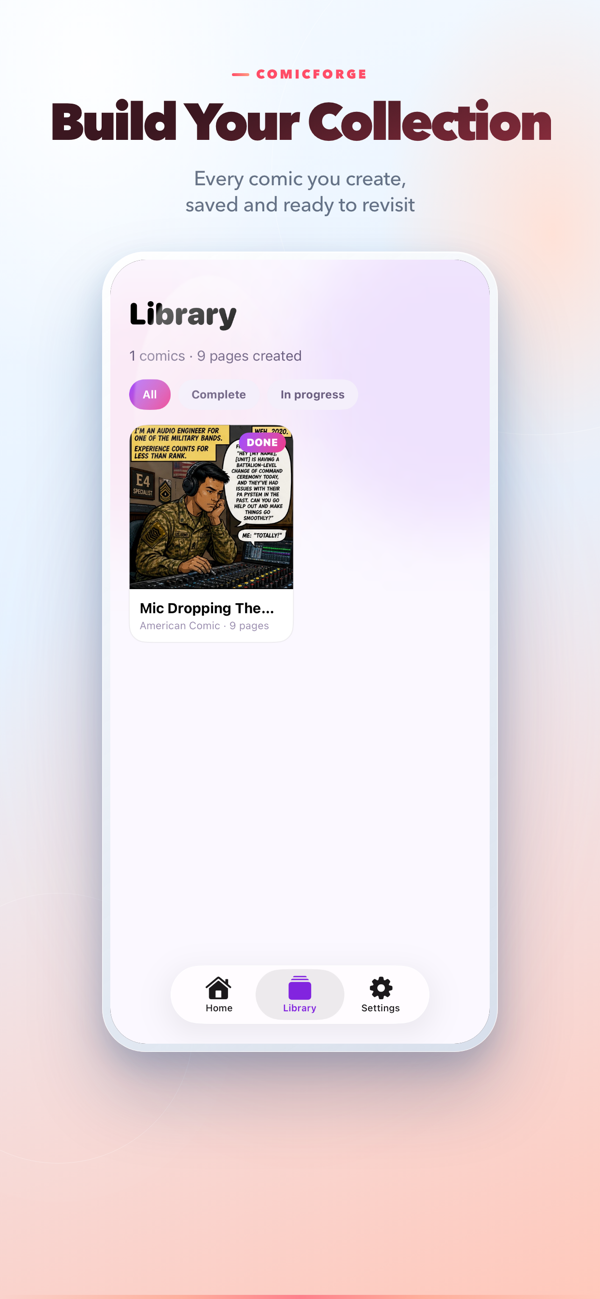



Use ComicForge when you want to turn something worth telling into something people will actually stop and look at.
Make a quick visual punchline, a classic short comic, or a richer story with more room to unfold.
Dialogue, captions, and scenes are part of the artwork, so the finished pages feel made as one piece.
Open the app and start creating. Your comics are easy to find again, save to Photos, or share as a TikTok-ready slide post.
Start a comic today, leave it unfinished, and pick it up later without losing your story or choices.
Create comics for friends, readers, and audiences in English, Chinese, Japanese, Korean, French, German, Spanish, and more.
ComicForge turns it into styled comic pages on your iPhone, ready for your camera roll, TikTok, group chat, or next creative project.
Download on the App Store